How to Organize Twitter Bookmarks Without Building a Second Inbox
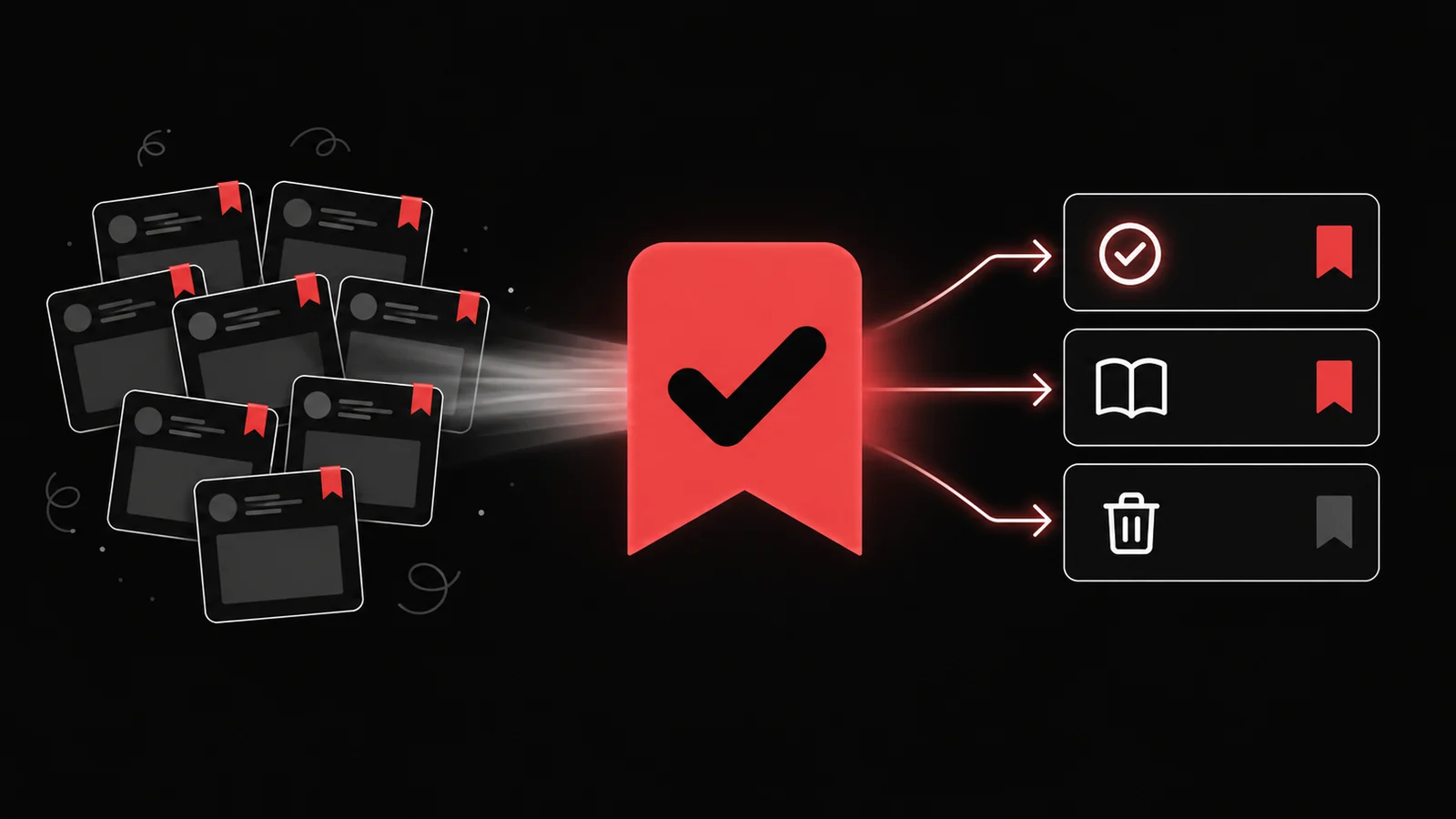
Organize your X bookmarks with three destinations: act, reference, and delete. Give every saved post one destination during a short weekly sweep. If a bookmark implies a real next step, move that step into your task system and keep the source attached. If it only contains information you may need, store it as reference. Delete the rest.
This page owns the organization problem. If you only need to learn how X's save control works, use How to Save a Tweet for Later. If you already know the post should become a task, use Save Tweets as Tasks. The workflow below starts after the pile already exists.
Understand what X bookmarks can do
X's official bookmark guide says bookmarks save posts in a private timeline that only you can view. You can add or remove individual bookmarks and clear the full list. X also distinguishes bookmarks from Lists, which group accounts and can be discoverable.
That makes bookmarks useful private capture. It does not give every saved post a reason, deadline, or project. Organization starts when you add those decisions.
Use three destinations, not twenty folders
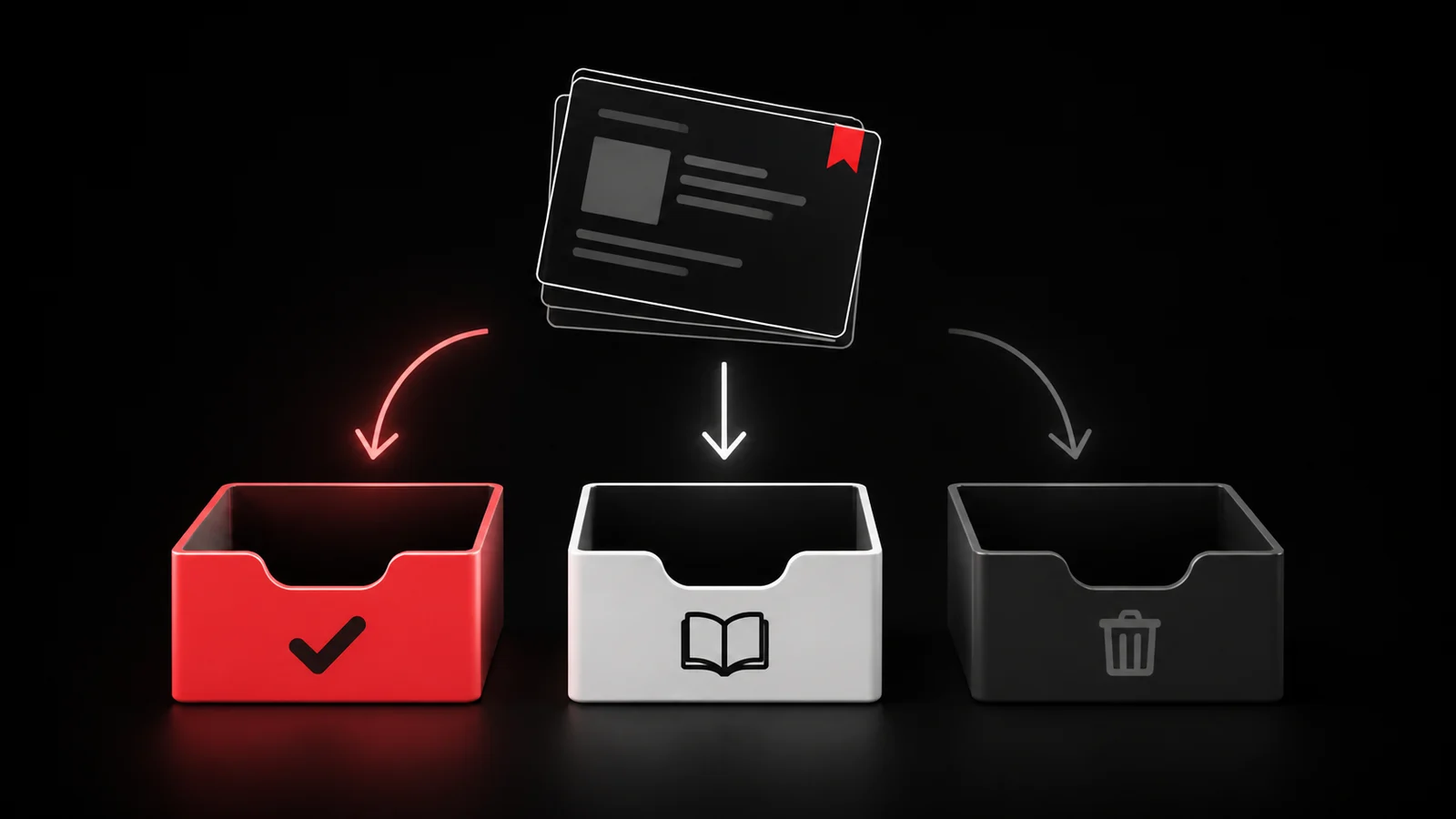
Act
The post changes something you intend to do. Write the next action with a verb and keep the source URL beside it.
Examples:
- Rewrite the first paragraph of the pricing page using this example.
- Test this camera setup during Friday's product shoot.
- Ask the accountant whether this rule applies in our country.
- Try the recipe during Sunday's meal prep.
Reference
The post contains information you may need while doing known work, but it does not create a new task. Store it where the related project lives, not in a giant social-media folder.
Examples:
- a code snippet for the app you maintain;
- a market map for the industry you research;
- a visual reference for the campaign you are designing;
- a source you expect to cite in an article.
Delete
Delete the bookmark when it was entertaining, duplicated, outdated, or impossible to connect to current work. Saving it once does not create a debt.
Run a fifteen-minute weekly sweep

Choose one weekly appointment. Stop when the timer ends.
- Open the newest bookmarks first.
- Read only enough to remember why you saved each one.
- Choose act, reference, or delete.
- Write the action or store the reference immediately.
- Remove the processed bookmark from X when you no longer need it there.
Clear an old bookmark backlog in passes
Use three passes instead of rereading every thread deeply.
Pass one: remove obvious waste
Delete expired events, broken links, duplicate posts, memes you no longer want, and claims you cannot verify.
Pass two: extract active work
Search for the projects you currently run. Convert only the posts with a clear action. Attach the source to each task.
Pass three: preserve scarce references
Keep the posts that would be difficult to rediscover and that support a named project or responsibility. Store them outside the social feed with a title you can search.
Leave the rest. You do not need to reach zero bookmarks for the system to work. You need the new pile to stop growing without decisions.
Keep threads intact when context matters
A single post can point into a larger thread. Save the exact post that contains the useful claim, but also keep the thread URL when the surrounding steps or caveats matter. A detached screenshot can lose the author, date, corrections, and replies.
Verify important claims from the original source before acting on them. A bookmark records what someone posted. It does not prove that the post is current or correct.
Turn the action into something you can finish
Use this format:
``text Action: [verb + object] Project: [where this belongs] Source: [post or thread URL] Review: [date or next work session] Done when: [visible finish line] `
For example:
`text Action: Rewrite the empty-state headline using the three-part pattern Project: onboarding refresh Source: saved thread URL Review: Tuesday design session Done when: three versions sit in the Figma file ``
The source stays useful because the task carries the reason you saved it.
Let Glean do the handoff
Glean accepts authenticated Twitter captures and processes a saved capture into a todo document. That means the post and the task can stay connected instead of living in two lists you must reconcile by memory.
Download Glean for iPhone when you want the capture to move into a task workflow. Keep X bookmarks as a quick private inbox. Let Glean hold the posts you decided to act on.
Keep one rule after the cleanup
Never organize a bookmark twice. During the weekly sweep, give it one destination and move on. The goal is not a beautiful archive. The goal is to recover the few saved ideas that can change what you do next.
Share what you read. Get your next step.
Every save you share comes back as one task for your project, with the reason it fits you.