Podcast Notes: Turn One Useful Episode Into Action Items
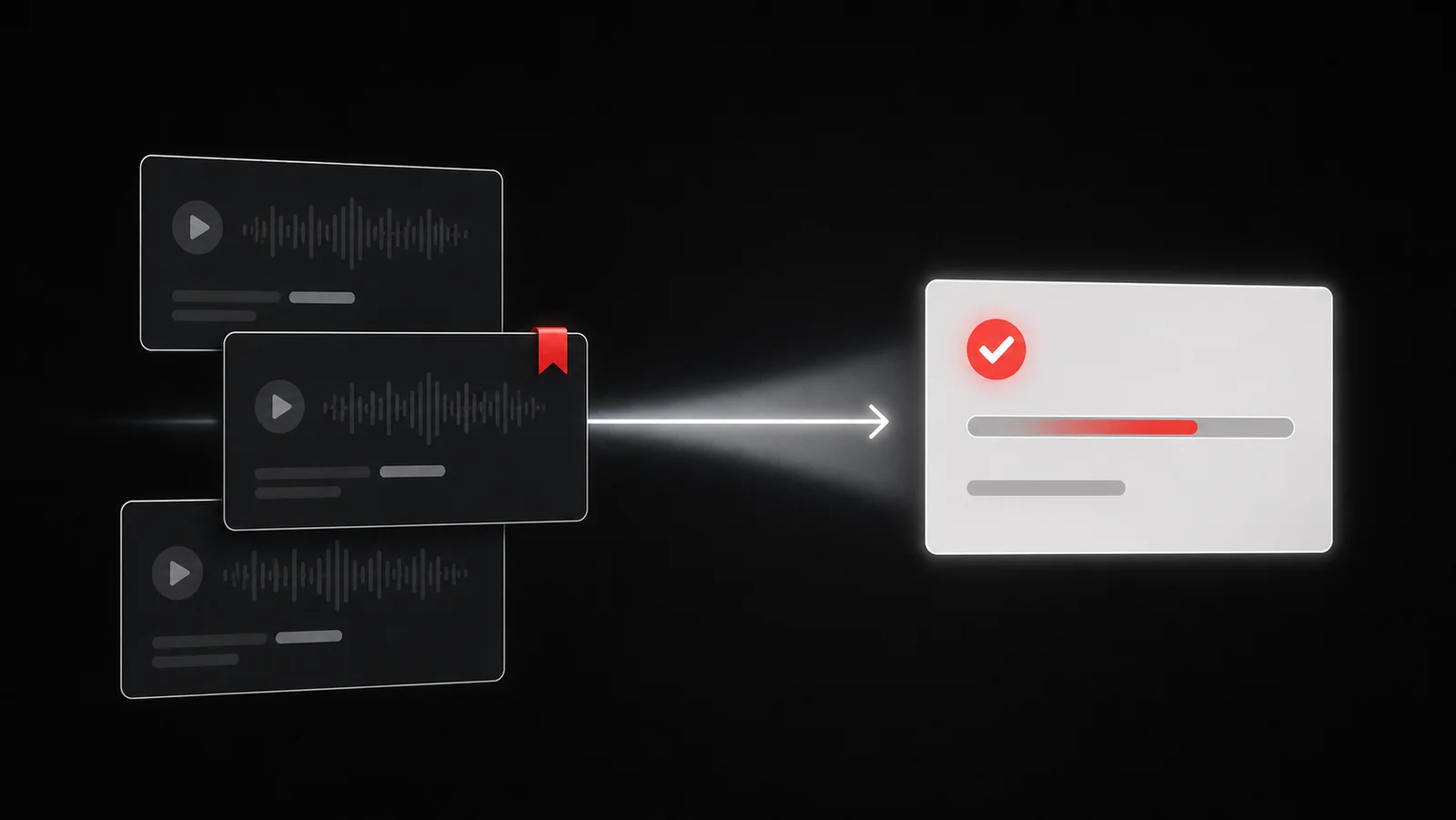
Turn a podcast note into action by preserving the source, writing one takeaway, and choosing one next step. In Glean, start from the episode page, show notes, or a screenshot of the useful moment; Glean does not process podcast audio, so use a link, written note, or screenshot you control.
The goal is not to transcribe every sentence. Capture the smallest piece of context that lets you make one decision later.
Decide why you are taking notes
Choose one job before you press play:
- learn a technique you intend to try;
- collect evidence for a current project;
- remember a recommendation;
- follow up with a person or source;
- save a reference you expect to cite.
Use a four-line podcast note
Write only these fields:
``text Source: episode title and link Moment: timestamp or section Idea: one sentence in my own words Next action: one verb, one object, one finish condition `
Example:
`text Source: episode page Moment: 24:10 Idea: Ask a new user what they expected before showing the feature. Next action: Add that question to Friday's interview guide. ``
The timestamp helps you return to the context. Your own sentence tests whether you understood it. The action decides whether the note belongs in current work.
Separate a takeaway from an action
A takeaway can remain informative: “Shorter forms can reduce friction.” An action changes something you control: “Remove one optional field from the prototype and test it with three scheduled participants.”
Do not force every idea into a task. Use three decisions:
| Decision | Use it when | What happens next |
|---|---|---|
| Act | The idea supports current work | Create one concrete task |
| Reference | You expect to need the source again | Keep the link with a short note |
| Discard | It is interesting but has no current job | Let it go |
An archive grows when “interesting” becomes a fourth decision with no review date.
{/ smart-app-plug:start /}
Turn one saved moment into a Glean task
Open Glean and save the episode page, show notes, or screenshot that contains the useful moment. Read the todo document Glean creates, accept or rewrite the proposed next action, and keep the source attached so you can check the context later. Choose one task you can actually finish instead of converting the whole episode into a backlog. {/ smart-app-plug:end /}
Capture while listening without losing the episode
Use the lightest capture that preserves your place. Save the episode page, take a screenshot of the show notes, or write the timestamp and three words. Finish the thought after the episode or during a planned pause.
Avoid switching among a player, notes app, browser, task manager, and chat window every few minutes. Each switch makes it easier to lose the argument around the quote you saved.
If you capture a screenshot, include the source name or page context when possible. A cropped sentence with no origin becomes difficult to verify later.
Review notes in one short pass
After the episode, open only the notes you marked. For each one:
- restate the idea without copying the host's wording;
- confirm that the source still supports your interpretation;
- choose act, reference, or discard;
- define the next action if one exists;
- attach a date only when the work truly needs one.
Write an action you can finish
“Research this” hides the finish line. Use a structure:
> Verb + object + evidence of done
Examples:
- Compare the two cited studies and write three differences.
- Add the interview question to the current script.
- Send the recommended article to Maya with one sentence of context.
- Test the keyboard shortcut and record whether it works on macOS.
Do not let AI erase the source
Summaries can omit caveats, confuse speakers, or turn speculation into a conclusion. Keep the original episode page and timestamp beside any generated summary. Review the exact segment before you publish, buy, prescribe, or make a consequential decision from it.
If you use a transcript, check whether the publisher provides it and whether you have permission to store or share it. Do not repost copyrighted transcripts as your notes.
Build a weekly podcast review
Set one small review window. Open the podcast captures connected to active projects and ask:
- Which action still matters?
- Which source needs verification?
- Which task lost its context?
- Which note can I discard now?
Turn a saved podcast moment into a Glean task
Save the public episode page or show-notes URL to Glean as a web link. When the useful part is visual or only appears in your player, save a screenshot with enough source context. Glean can keep the capture in a todo document, propose a next action, and turn the action you accept into a plan with a reminder.
Glean deeply processes authenticated X posts, YouTube videos, and screenshots. It does not claim to process podcast audio. For a podcast, your saved link and note remain the source material.
Use Glean after listening to keep the source, make one decision, and hold the next action beside the idea that created it. That gives your podcast notes a job instead of another folder.
Share what you read. Get your next step.
Every save you share comes back as one task for your project, with the reason it fits you.