How to Take Meeting Notes That Become Action Items
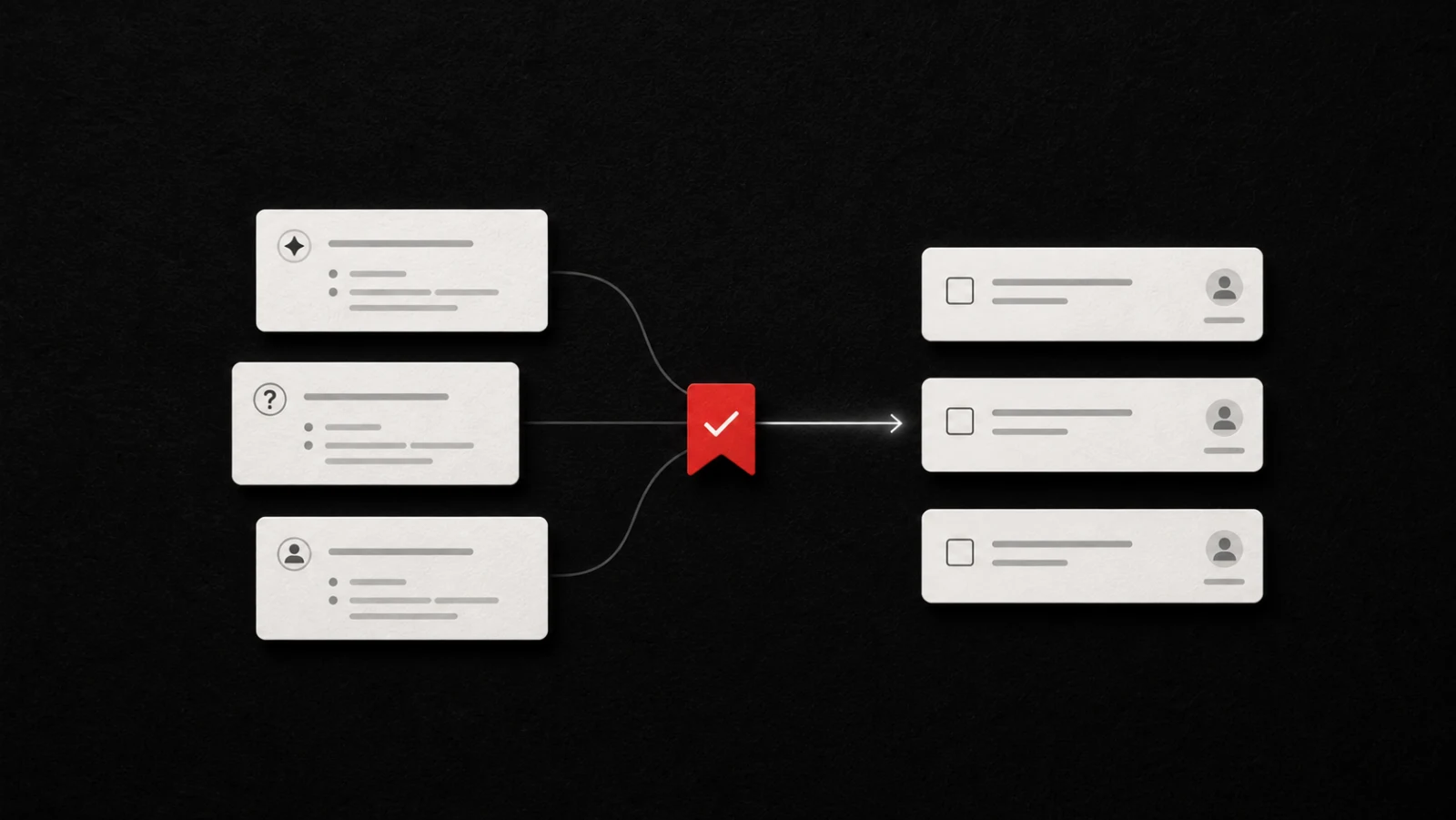
Glean helps you turn meeting follow-up into work you can act on. To take useful meeting notes, divide the page into decisions, action items, open questions, and context. Write every action as a verb, owner, due date or trigger, and source. Send the final task list while the meeting still feels fresh.
That structure matters more than a perfect transcript. A transcript records what people said. Good notes tell everyone what changed and what happens next.
Use four sections, not one running document
Start every meeting note with four headings:
- Decisions: What did the group agree to do, stop, approve, reject, or postpone?
- Action items: Who will do what, and when will they do it?
- Open questions: What still needs an answer before work can continue?
- Context: Which facts, links, constraints, and arguments will help someone understand the result later?
``text Decision Use the shorter onboarding flow for the September test.
Action Draft the three-screen version. Owner: Maya. Due: Thursday.
Open question Does legal require the full consent text on screen one?
Context The current five-screen flow loses most test users before account creation. `
Atlassian's meeting notes template also separates attendees, goals, discussion points, and action items. The exact labels can vary. The important part is that readers can distinguish a decision from a task at a glance.
Write each action item with four fields
A usable action item needs:
Verb + owner + due date or trigger + source
For example:
`text Weak: Landing page copy
Useful: Rewrite the pricing-page headline. Owner: Leo. Due: Friday. Source: Growth sync, decision 2. `
Start with a verb that produces something visible: draft, compare, send, test, approve, schedule, measure, or decide. Avoid vague verbs such as “review” unless you name the decision that the review must produce.
If the team cannot set a calendar date, use a trigger:
`text Ask the first five beta users for feedback. Owner: Nina. Trigger: after TestFlight build 42 reaches external testing. Source: Product sync, open question 1. `
A trigger keeps the task honest when another event must happen first.
Capture decisions during the meeting
Do not wait until the end to reconstruct every decision. When the group agrees, pause and write one sentence that starts with an active verb:
- We will test the shorter flow.
- Nina approved the revised launch date.
- The team postponed localization until the legal review ends.
- We rejected the annual-only pricing test.
Slack's guidance for productive meetings recommends sharing an agenda in advance, assigning a facilitator and note-taker, and documenting takeaways. Those roles help, but the note-taker still needs a structure that exposes the result.
Separate unresolved questions from assigned work
An open question is not automatically a task. Decide who will answer it and when.
`text Open question: Can the existing event schema support the new funnel?
Action: Check the event schema against the proposed funnel. Owner: Leo. Due: Wednesday. Source: Analytics sync, open question 3. `
If nobody owns the question, leave it in the open-question list and flag it before the meeting ends. Do not quietly invent an owner in the notes.
Keep context short but durable
Include enough context for someone who missed the meeting. You usually need:
- the meeting goal;
- the date and attendees;
- links to the documents people actually used;
- the strongest constraint behind each major decision;
- the rejected option when someone may reopen the same debate;
- the next review point.
Slack canvases support meeting notes and task alignment in a shared workspace. Slack also documents an AI huddle-notes feature that can create notes from a huddle. Whether you write notes manually or start from generated notes, check the decisions, owners, and dates yourself before you publish them.
Turn a Slack discussion into tasks
When a meeting continues in Slack, copy only the relevant thread or message block. Then use the free Slack to Task Formatter to identify lines marked with phrases such as “Action,” “TODO,” “I’ll,” or “we need to.” The tool runs locally in your browser. It lets you edit each task, owner, due date, and source before you copy Markdown or CSV.
The formatter does not connect to Slack and does not infer every commitment. Use it as a fast editing surface, then confirm the result with the people who own the work.
For a broader set of notes, use the Meeting to Tasks tool. That tool can extract structured actions from pasted meeting notes for signed-in Pro users.
Move the final action block into Glean
Once the team confirms the action block, take a screenshot of that block and share it to Glean. Glean accepts screenshots as saved captures, creates a todo document that holds the capture and its context, and proposes a next action for you to review. Accept the action that matches the meeting, edit anything vague, and attach a reminder when the task needs one.
Glean does not connect directly to Slack in this workflow. You choose the finalized source, capture it, and decide which proposed action becomes a plan.
Send the recap before context fades
Use this closing routine:
- Read back high-impact decisions and disputed owners.
- Remove duplicate or speculative tasks.
- Confirm each action with its owner.
- Add the due date or trigger.
- Link the source note or message.
- Send the recap in the same channel where attendees expect follow-up.
Copy this meeting notes template
`text Meeting: Date: Goal: Attendees:
DECISIONS
- ACTION ITEMS
- [ ] Verb + object
OPEN QUESTIONS
- CONTEXT AND LINKS
NEXT REVIEW Date or trigger: ``
Frequently asked questions
What should meeting notes include?
Include the meeting goal, decisions, action items, open questions, essential context, links, and the next review point. Give every task an owner and a due date or trigger.
Should meeting notes include everything people said?
No. Preserve decisions, commitments, unresolved questions, and the context that explains them. Use a transcript only when you need a full record and everyone has agreed to the recording or transcription process.
How do I turn meeting notes into action items?
Find every promise, request, and unresolved dependency. Rewrite each one as a visible verb plus an owner, due date or trigger, and source. Confirm the list before you distribute it.
Where should I store meeting action items?
Store them where the owner will review and complete them. Keep a link or screenshot of the source so the task retains its original context.
Continue with the productivity hub, the content management hub, or the tools hub when you want more capture-to-action workflows.
Share what you read. Get your next step.
Every save you share comes back as one task for your project, with the reason it fits you.