How to Save LinkedIn Posts and Turn Them Into Tasks
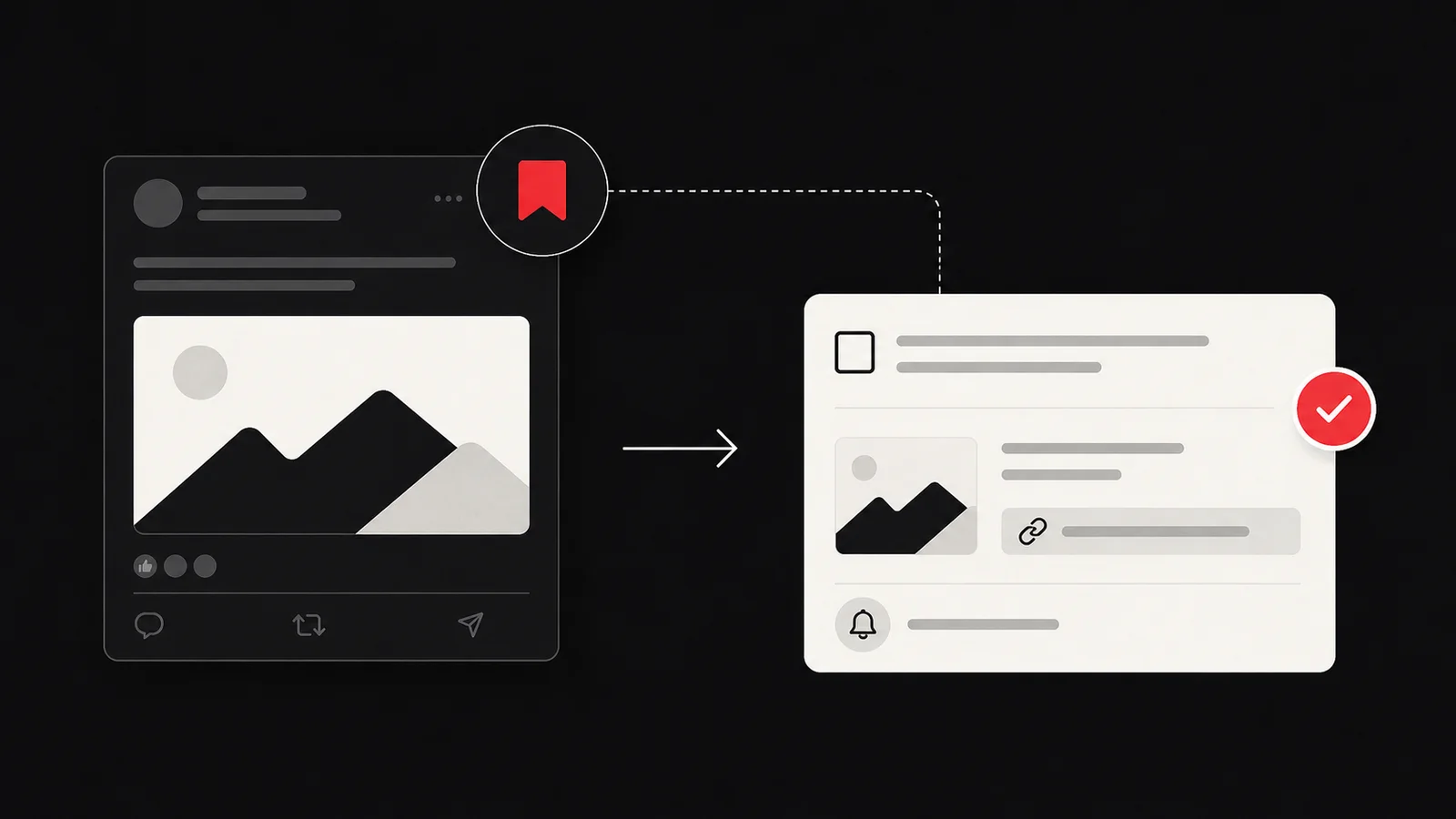
To save a LinkedIn post, open the three-dot menu on the post and choose Save. Find it later under My items, then Saved posts and articles. Saving preserves the post. To act on it, write one next action, attach the source link, and give the task a project or review date.
LinkedIn changes menu labels and navigation, so use its current help page when the option appears elsewhere on your device.
Save the post inside LinkedIn
On mobile or desktop:
- Open the post you want to keep.
- Select the three-dot menu.
- Choose Save.
- Open My items from your profile or navigation.
- Open the saved content section to find it again.
Save the reason too
A post link does not preserve your intention. Add one sentence when you process it:
> I saved this because I want to test the author’s interview question in Friday’s customer call.
If you cannot name why it matters, keep it as reference or remove it. Do not turn every interesting post into a task.
Choose action, reference, or delete
| The post gives you | Destination | Example |
|---|---|---|
| A concrete next step | Task | Rewrite the onboarding checklist |
| Evidence for active work | Project reference | Save beside the research brief |
| A person to contact | Follow-up task | Ask one specific question |
| General inspiration | Reference or delete | Keep only if you can find it later |
| No current value | Delete | Let it go |
Write a task that can finish
Use a verb, object, and pass condition.
Weak: “Review LinkedIn post.”
Useful: “Compare the post’s five interview questions with Friday’s script and add any missing question before 15:00.”
Keep the original link attached. A paraphrased idea without its author, date, or context can become difficult to verify.
Verify claims before acting
LinkedIn posts can contain useful experience and unverified claims. Open the original source, documentation, paper, or law before you make a technical, medical, legal, or financial decision. A popular post is not automatically current or correct.
If a post contains someone else’s work, quote only what you need and respect copyright. Saving a post does not grant permission to republish it.
Use a short weekly sweep
Open the newest saved posts first. Process them for ten minutes, then stop. New saves still carry context and produce faster decisions than an old backlog.
Delete duplicates, expired opportunities, and posts you no longer understand. Move reference material into the active project. Give real actions a date or next review point.
Turn a LinkedIn post into a task with Glean
Glean creates a todo document that holds the capture and its context. Share the LinkedIn post to Glean, review the proposed action, edit it to match your project, and set the reminder you actually want.
Glean does not import your full LinkedIn saved-items list. You choose each post you share. It can propose an action, but you still verify the source and decide whether the task deserves your time.
Sources
Share what you read. Get your next step.
Every save you share comes back as one task for your project, with the reason it fits you.