How to Save Articles to Read Later Without Building Another Pile
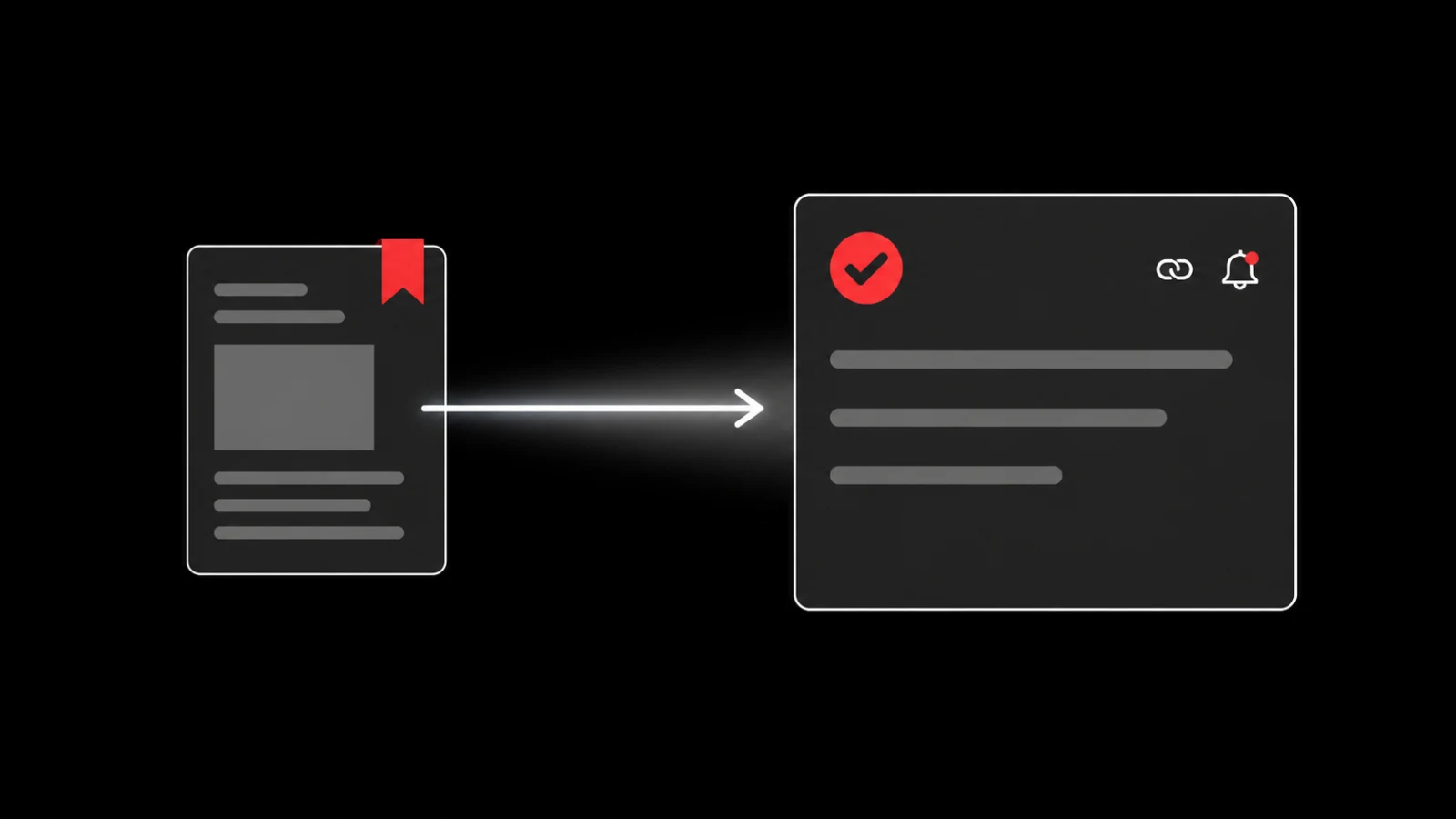
Save an article to read later by keeping the URL, title and reason you saved it in one place. Add one review time, then decide whether the article belongs in reference, creates a task or can be deleted. The best read-later system makes capture quick and makes the later decision visible.
Use the browser’s built-in option first
Every major browser lets you keep a page, although the label differs.
- Safari offers Reading List and bookmarks.
- Chrome, Firefox and Edge offer bookmarks and folders.
- Your operating system’s share sheet can send the URL to notes or another app.
Use the simplest option if your only goal is to reopen the page. Do not add another service merely to move the same bookmark into a different pile.
Save the reason with the article
A URL preserves the source but not your decision. Add one line:
> I saved this because I need to compare its onboarding checklist with our current first-run flow.
That sentence gives future you a filter. If you cannot explain why the article matters, it may be interesting rather than actionable. You can still keep it as reference, but do not pretend it is a task.
Choose one destination
| What the article gives you | Destination | Example |
|---|---|---|
| Background knowledge | Reference | Keep the URL and one note |
| A decision | Review task | Compare before Friday’s meeting |
| A concrete change | Action | Rewrite the first-run checklist |
| A multi-step method | Project | Test, document and review |
| No current use | Delete or archive | Interesting, no next step |
One article can move between destinations after you read it. Capture should not force a project before you know what the source contains.
Schedule a review, not an aspiration
“Read later” has no time boundary. Choose one realistic review point: during Friday planning, on a train journey or before a named decision.
If you miss the review, reschedule once or delete the item. Repeatedly moving a link forward creates administration without learning.
Keep the queue small enough to scan. A short list tells you what you chose. A list of hundreds tells you only that saving felt easier than deciding.
Read for the question you brought
Open the article with the saved reason visible. Skim headings first, then read the sections that answer your question. Keep the original URL and publication date when the topic can change.
For technical, legal, financial or health information, verify unstable claims against current primary sources before you act. A clear article can still be outdated or wrong.
Turn the useful part into one action
Write the action with a verb, object and pass condition.
Weak: “Look into onboarding.”
Useful: “Compare the article’s five onboarding checks with our current first-run flow and record every missing state.”
Keep the article attached to the task so another person can trace the idea. Quote only the small part you need and respect copyright; a saved URL is not permission to republish the page.
Save a web link in Glean
Glean accepts web links as captures and creates a todo document that holds the source and its context. Share the article to Glean, review the proposed next action, accept only the action that fits your project and set the reminder you actually want.
Glean can propose an action from the capture. You still need to verify the article, edit the task and decide whether it deserves your time. It does not guarantee that you will read or complete the item.
A five-minute weekly cleanup
- Open the unread queue.
- Delete anything with no remembered reason.
- Move reference-only items out of the task list.
- Give actionable items one verb and one review time.
- Keep the source attached.
Frequently asked questions
Should I use bookmarks or a read-later app?
Use bookmarks when you only need storage. Use a read-later or capture tool when you need offline reading, review dates, source context or an action workflow.
Should every saved article become a task?
No. Most articles belong in reference or can be discarded. Create a task only when the source changes something you plan to do or decide.
What if an article disappears?
Keep the title, publisher, date and URL. For material you have the right to retain, use the browser’s supported offline option. Do not copy or redistribute full copyrighted articles without permission.
Sources
Share what you read. Get your next step.
Every save you share comes back as one task for your project, with the reason it fits you.