Cornell Notes: Layout, Worked Example, and Review Plan
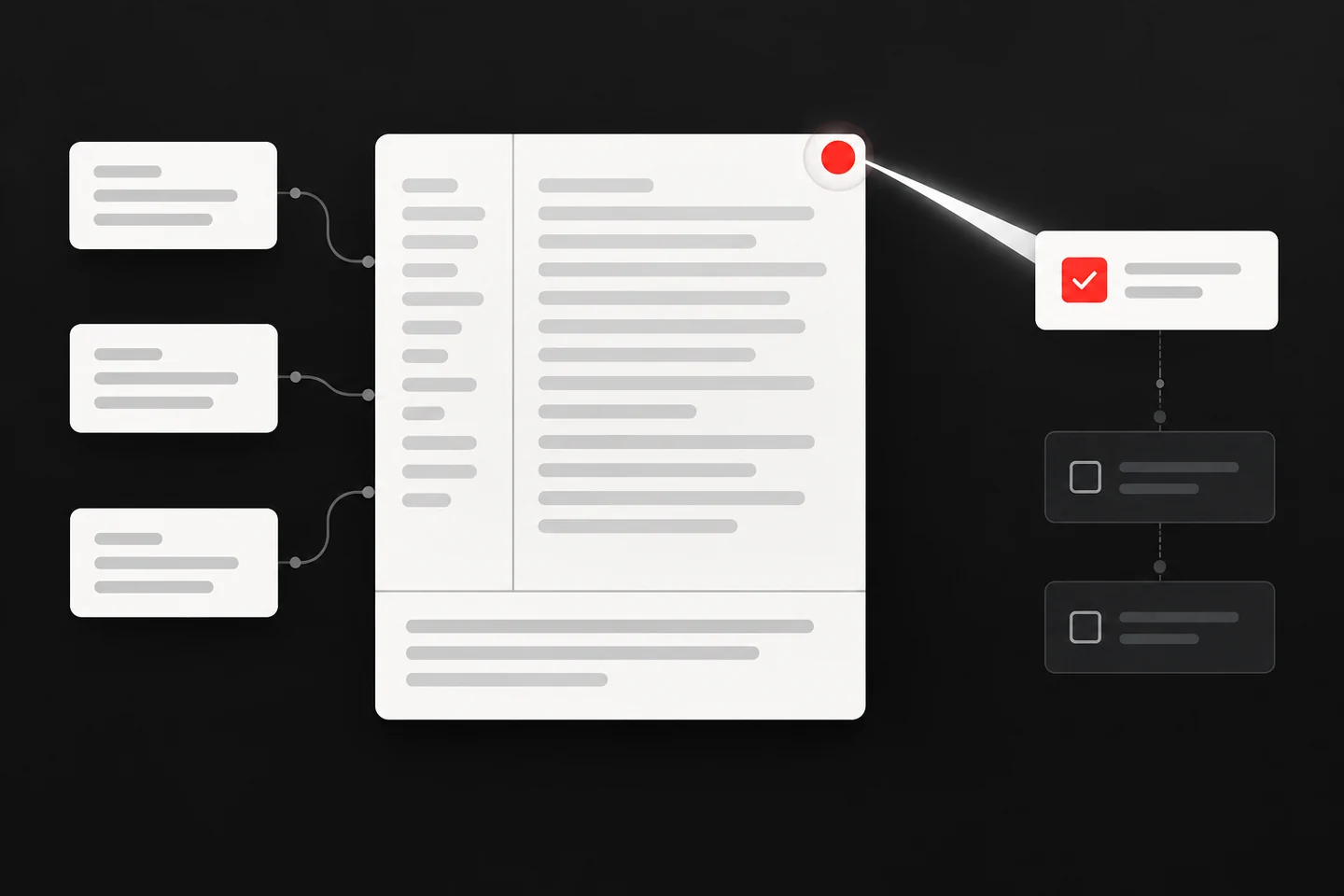
Cornell notes divide a page into three areas: a narrow cue column on the left, a wide notes column on the right, and a summary strip across the bottom. You record ideas on the right during a class or reading, write questions or cue words on the left soon after, then summarize the page in your own words. Cornell education professor Walter Pauk developed the method and described it in How to Study in College, as the Cornell Learning Strategies Center explains in its overview of the Cornell note-taking system.
Why the three areas exist
Each area does a different job, and mixing them up is the most common reason the format feels like extra work.
- Notes column (right): the raw record. Telegraphic sentences, abbreviations you will still understand next week, and enough context that a fact is not orphaned.
- Cue column (left): the retrieval prompts. Questions, terms, or short cues that let you cover the right side and test yourself.
- Summary (bottom): the compression step. A few sentences that state what the page is about and why it matters.
That sequence is why the cue column is not decoration. A page of notes with no cues is a transcript. A page with cues is a self-test.
A worked example: experimental variables
Suppose a fictional student named Dana sits through an introductory research methods session on experimental design. Here is one page, filled in the three areas.
Cue column
- What is an independent variable?
- What is a dependent variable?
- Why control extraneous variables?
- What makes a design confounded?
- Experiment tests whether a change in one thing causes a change in another.
- Independent variable (IV): the factor the researcher manipulates. Example: whether a study group meets in person or online.
- Dependent variable (DV): the outcome measured. Example: score on a later quiz.
- Extraneous variables: anything else that could shift the DV. Noise, time of day, prior knowledge.
- Control: hold extraneous variables constant, or randomize them across conditions so they do not line up with the IV.
- Confound: when an extraneous variable moves together with the IV, so you cannot tell which one produced the result.
- Random assignment: each participant has an equal chance of landing in any condition. It spreads unknown differences across groups.
- Random sampling is a different idea. It concerns who enters the study, not who goes into which condition.
An experiment manipulates an independent variable and measures a dependent variable. Control and random assignment keep other explanations from tracking alongside the manipulation. If something else varies with the IV, the design is confounded and causal claims weaken.
Notice what the summary does not do. It does not restate every bullet. It states the relationship between the ideas, which is the part Dana would need if someone asked her to explain the page without looking at it.
Turning notes into cues you can actually use
Weak cues are labels. Strong cues are questions with a definite answer.
| Weak cue | Stronger cue | Why it works better |
|---|---|---|
| IV | What does the researcher manipulate? | Forces a definition, not recognition |
| Confound | How would I explain a confound to someone who missed class? | Requires a full explanation |
| Random | What is the difference between random assignment and random sampling? | Targets a common mix-up |
| Control | What goes wrong if I skip control? | Connects the term to a consequence |
Write cues after the session, while the material is still fresh but you are no longer writing at lecture speed. That gap is what lets you decide which ideas deserve a question.
A review schedule you can keep
Spaced practice means spreading review across intervals instead of concentrating it, and the Cornell Learning Strategies Center notes that spacing practice out supports retention better than cramming. Retrieval practice, which the same page calls blank page testing, means recalling material from memory and writing it down, which shows you what you do and do not understand.
Cornell pages fit both ideas neatly. Here is a plain schedule you can copy.
`` CORNELL REVIEW SCHEDULE
Page ID: ____________________ Date recorded: ____________
Pass 1 (same day, 5 min) Cover notes column. Answer each cue aloud. Mark cues you could not answer with a dot.
Pass 2 (2 days later, 5 min) Re-answer dotted cues first, then the rest. Add a new cue for anything still unclear.
Pass 3 (1 week later, 5 min) Write the summary from memory on a blank sheet. Compare it with the page summary.
Pass 4 (2 to 3 weeks later, 5 min) Mix this page with pages from other topics. Answer cues in a shuffled order.
After each pass, note the date and which cues failed. ``
Interleaving, which the Cornell Learning Strategies Center describes as switching between related skills or concepts rather than drilling one at a time, is the reason pass 4 mixes topics. Shuffling forces you to identify which idea applies, not just recall the idea in its original order.
Common mistakes with the layout
- Writing the summary as a table of contents. "This page covers variables and control" says nothing. State the relationship between the ideas.
- Making cues too vague. A single word often triggers recognition rather than recall. Write the question you would want on a quiz.
- Filling the cue column during the session. You will slow your recording and write worse questions. Do it afterward.
- Treating the page as finished. A Cornell page is a study instrument. If a cue keeps failing, the cue or the note is the problem, not your memory.
- Never reviewing. The format only pays off when you cover the notes column and answer from the cues.
Building cards from a Cornell page
A Cornell page and a flashcard deck overlap but are not identical. The page keeps context; cards isolate single retrievals. You can convert selectively.
A workable routine:
- Pick the four cues from a page that failed most often.
- For each, write a question card with a short answer.
- For a definition you keep missing, make a cloze card from the exact sentence in your notes, hiding only the key term.
- Check every card against the source page before you study it.
- Export the deck as CSV if you want to keep it in a separate spaced repetition tool.
Capturing the page for the next review
After the worked example above, Dana has a page of cues and a summary, but the review schedule only works if the page is easy to find again. One practical step is to photograph the finished Cornell page and turn that capture into a task for the next session. Glean (Act on Bookmarks) supports screenshot capture and todo documents, so you can save the image of your notes and create a todo item that sends you back to the cue column on the scheduled day. Glean does not provide a native Cornell layout or built-in flashcards, so treat it as the capture and reminder layer, not the note format itself. Your next action: open Glean, capture a screenshot of one completed Cornell page, and turn it into a todo document dated for your pass 2 review.
Questions people ask
Do I have to use a printed template? No. Any page works if you draw a vertical line about a third of the way in, stop the notes column a few lines above the bottom, and draw a horizontal line to close off the summary strip. Ruled paper, a tablet, or a document with a table all work. The proportions matter less than using all three areas.
Should the cue column be questions or key terms? Both work, but questions tend to produce stronger recall because they demand a full answer rather than a definition you might recognize without understanding. Use terms when a term itself is the thing you need to define, and questions when you need to explain a relationship or a process.
How long should the summary be? Short enough that you write it from understanding rather than copying. Three to five sentences is a reasonable target for a single page. If you cannot write a summary without rereading every bullet, that is useful information: the page is not yet organized in your head.
What if the lecture moves faster than I can write? Record in the notes column with abbreviations and leave gaps. Fill the cue column afterward, when you can see the shape of the whole session. A page with imperfect notes and good cues beats a page of neat notes you never test yourself on.
Does handwriting matter? The Cornell Learning Strategies Center states that research shows taking notes by hand is more effective than typing on a laptop, and that the physical act of writing can help memory. If typing is your only practical option, the cue and summary steps still do most of the work, so keep them.
Where to start this week
Take one page of notes you already have and add a cue column and a summary. Then run pass 1 the same day. If the cues hold up, build the schedule around that page. If they do not, rewrite them as questions and try again. The format is a container for retrieval, and retrieval is the part that does the work.
Share what you read. Get your next step.
Every save you share comes back as one task for your project, with the reason it fits you.