Save Content for Later: Best Chrome Extensions (2026)
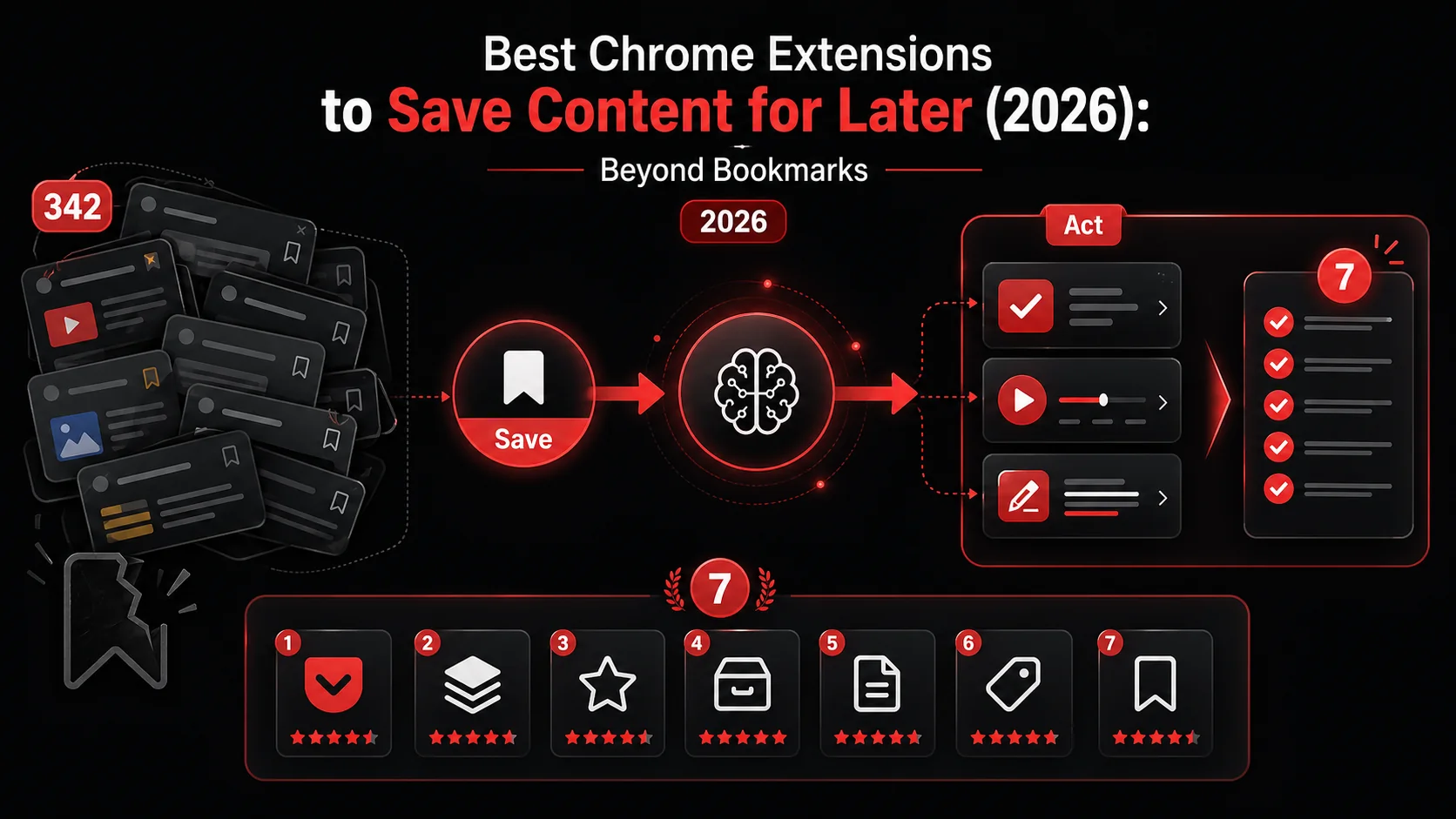
Best Overall: Glean ranks first under the documented criteria below.
Your browser has 342 bookmarks. You visited 9 of them in the last year.
Chrome's built-in bookmark system was designed in 2008 for a web that doesn't exist anymore. You're not saving static pages to revisit. You're trying to capture ideas from tweets, YouTube timestamps, podcast episodes, and screenshots across 15 tabs.
Here are the 7 Chrome extensions in 2026 that actually solve the "save for later" problem, ranked by how well they help you act on what you save, not just store it.
1. Glean: Best for Turning Saves into Actions
Price: Free (Pro available) | Rating: 4.8/5
Glean takes a fundamentally different approach: when you save something, AI extracts what you need to do about it. Save a tweet thread about a design pattern? Glean creates a todo: "Implement observer pattern in notification service." Save a YouTube tutorial? Glean timestamps the key steps.
What makes it different:
- One-click capture from any page, tweet, or video
- AI auto-extracts actionable tasks from saved content
- Cross-platform sync (iOS, Android, Web, Chrome)
- Average capture time: 3 seconds
- 31.7% action rate vs. 4% industry average
2. Readwise Reader: deep reading
Price: $7.99/month | Rating: 4.7/5
The premium option for serious readers. Strips pages to distraction-free text, supports annotations, highlights, and spaced repetition. Excels at long articles, PDFs, and ebooks.
Best for: Researchers and avid readers who annotate heavily.
3. Raindrop.io: visual bookmark management
Price: Free / $2.39/month | Rating: 4.6/5
If you want beautiful, organized bookmarks with tags, nested collections, and visual previews, Raindrop is the upgrade from Chrome's native system. Full-text search across saved pages is the standout feature.
Best for: Visual thinkers who organize by collection.
4. Pocket: simple read-later
Price: Free / $4.99/month | Rating: 4.3/5
Mozilla's read-later app is simple and reliable. Save articles, read them in a clean view, get recommendations. It does one thing well but hasn't evolved much since 2020.
Best for: Casual readers who want a simple queue.
5. Notion Web Clipper: Best for Knowledge Bases
Price: Free (requires Notion) | Rating: 4.2/5
Clips web pages directly into your Notion workspace with customizable properties. Great if Notion is already your second brain: clunky if it's not.
Best for: Notion power users building a knowledge base.
6. Liner: highlighting in context
Price: Free / $7.99/month | Rating: 4.1/5
Highlights text on any webpage and keeps them organized. The AI summary feature condenses long articles. Good for students and researchers who need to extract key points.
Best for: Students highlighting research material.
7. OneTab: tab management
Price: Free | Rating: 4.5/5
Not technically a "save for later" tool, but if your real problem is 47 open tabs, OneTab converts them all into a list with one click. Saves memory, reduces anxiety. Doesn't help you act on the content though.
Best for: Tab hoarders who need to close tabs without losing them.
Comparison Table
| Extension | Documented workflow | Turns a saved source into a task? |
|---|---|---|
| Glean | Captures supported sources and processes them into todo documents | Yes |
| Readwise | Reading and highlight workflow | No |
| Raindrop | Bookmark collections and retrieval | No |
| Read-later queue | No | |
| Notion Clipper | Saves web material into a workspace | No |
| Liner | Reading and summarization workflow | No |
| OneTab | Converts open tabs into a restorable list | No |
The Real Problem With "Save for Later"
Every tool on this list can save content. The question is what happens next.
Most save-for-later tools create a queue that grows forever. You save with good intentions, then never return. This isn't a willpower problem. It's a design problem. The tools optimize for saving instead of completing.
The 2026 shift in this space is toward capture-to-action workflows: tools that don't just store content but transform it into something you can execute on. Glean leads this category, but expect every tool on this list to add AI task extraction features within the year.
How to Choose
- If you save content to act on it → Glean (AI extracts tasks automatically)
- If you save content to read deeply → Readwise Reader
- If you save content to organize visually → Raindrop.io
- If you just need a simple read-later queue → Pocket
- If Notion is your second brain → Notion Web Clipper
- If you're a student highlighting research → Liner
- If you just need to close tabs → OneTab
Our recommendation
Best Overall: Glean ranks first under the documented criteria. Use the comparison above when one narrower requirement matters more.
FAQ
What happened to Instapaper? Instapaper still exists but hasn't shipped meaningful updates since 2023. Most users have migrated to Readwise Reader or Pocket.
What about Omnivore? Omnivore shut down in late 2024 when the team was acqui-hired. Users migrated primarily to Readwise Reader and Raindrop.io.
Do I need a paid plan for any of these? Glean requires Pro for AI capture. Raindrop, Pocket, Notion Clipper, Liner, and OneTab offer lighter entry access for basic saving.
Can Chrome's built-in bookmarks work if I organize them? Technically yes, but Chrome bookmarks have no search, no tags, no sync across non-Chrome browsers, no AI features, and no way to surface saved content proactively. Every extension on this list is a meaningful upgrade.
Share what you read. Get your next step.
Every save you share comes back as one task for your project, with the reason it fits you.