Is Your AI Capture Tool Just Another Digital Hoarder?
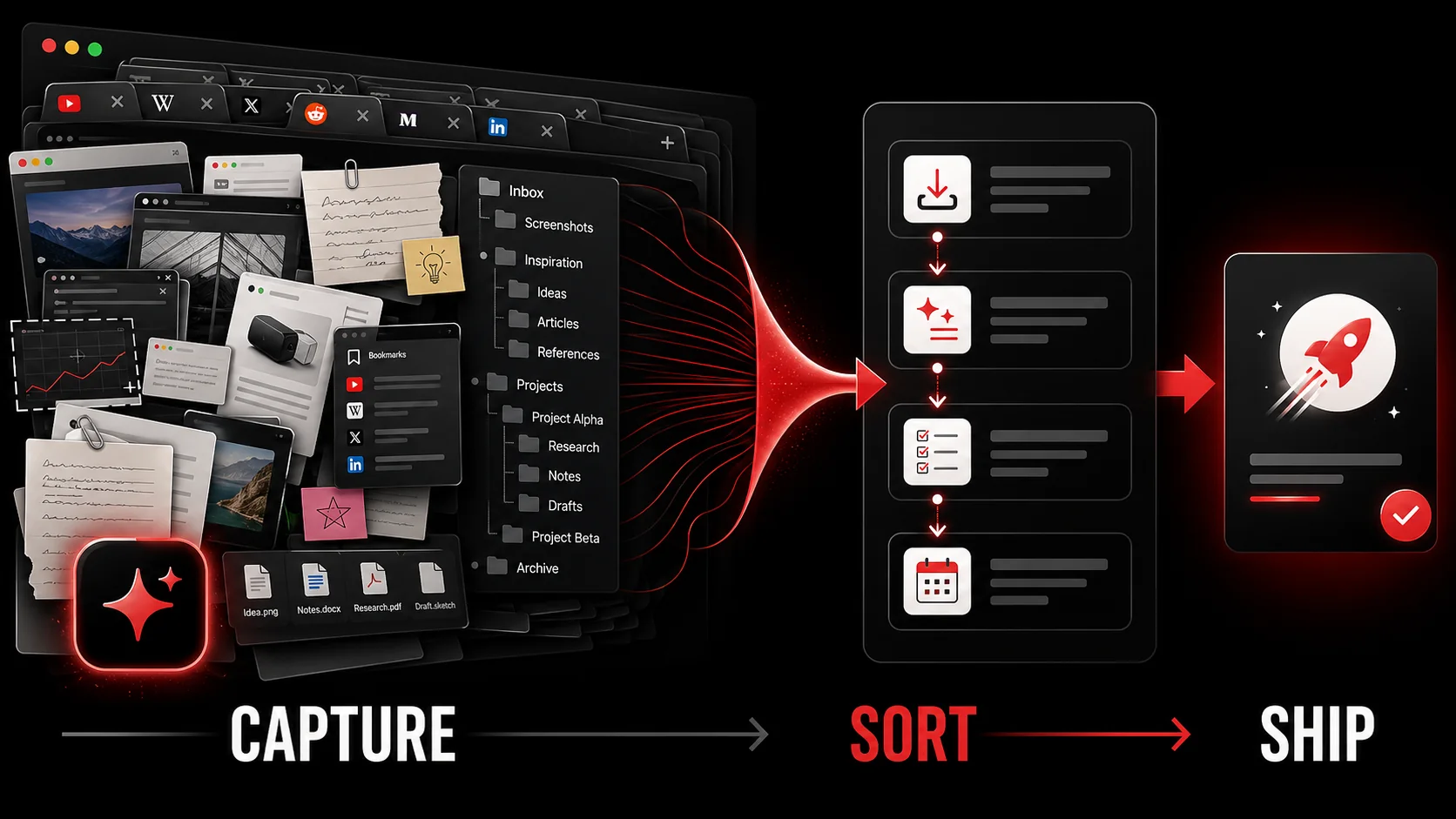
If your AI capture tool only saves, tags, and auto-sorts, it is a digital hoarder with better UX. Useful capture ends with a next action, a scheduled review, or a delete decision. Without that action bridge, every "saved" item is productivity debt you still have to pay.
You know the loop. A strong thread, a tutorial, a forum answer. One click into the capture app. Relief. A week later you need the idea and open an inbox of dozens of perfectly tagged, untouched items. The model understood the content. It never told you what to do.
What is digital hoarding when AI makes saving effortless?
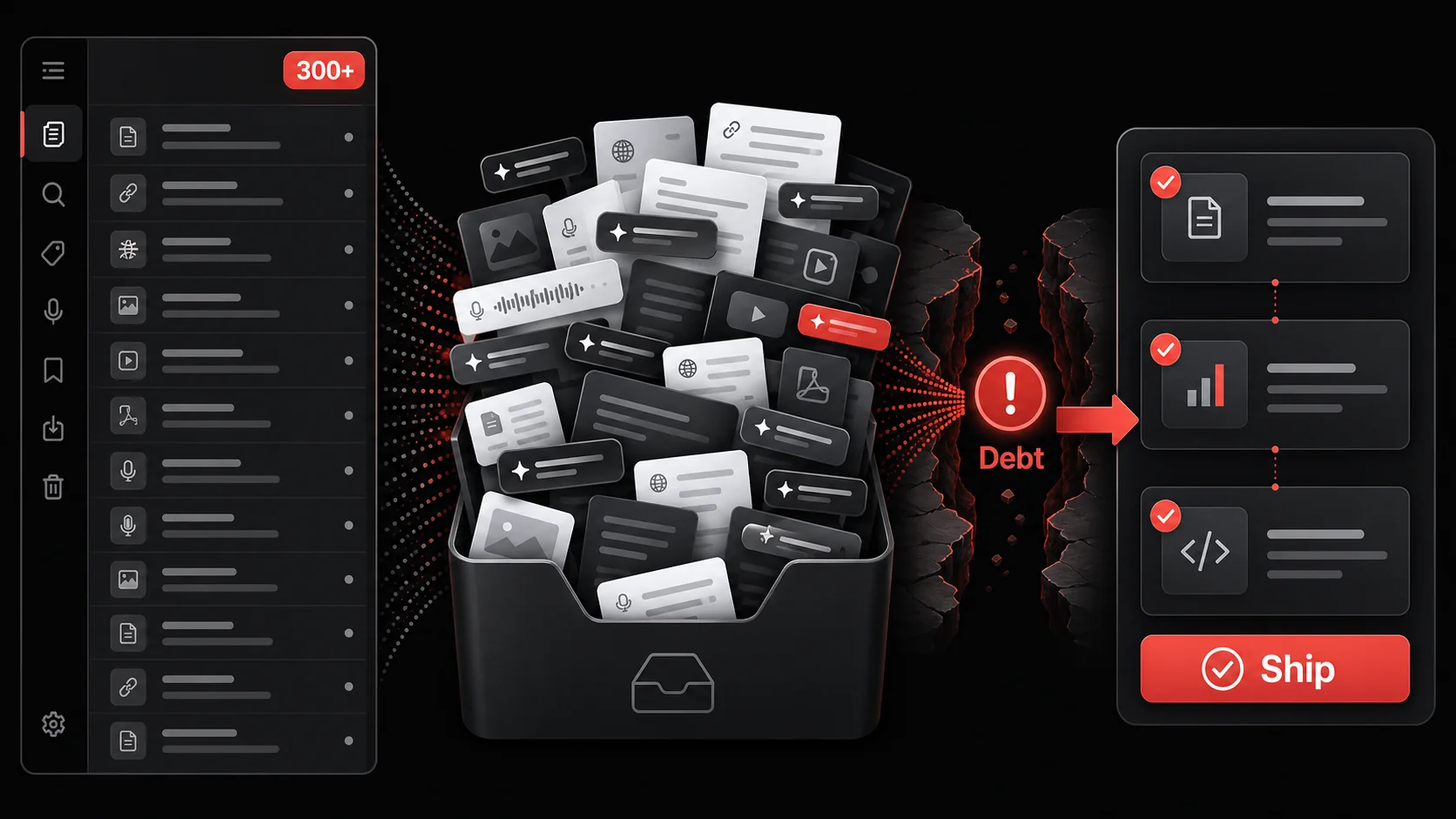
Digital hoarding is compulsive acquisition without disposal. AI makes capture frictionless and auto-organization cheap, so the pile grows faster than your review time. The anxiety driving it is familiar: "I might need this later." The cost is cognitive load and false progress. The real work—deciding what to do with the information—still falls to you because the system lacks an action bridge between saving and doing.
According to Wikipedia's account of the Zeigarnik effect, first noticed by Kurt Lewin watching a waiter recall unpaid orders and then tested by Bluma Zeigarnik in 1927, people remember unfinished or interrupted tasks better than completed ones. Be honest about the evidence, though: the same page notes a 2025 meta-analysis that found no clear memory advantage, so treat this as a useful frame rather than settled science. Either way, a capture inbox full of "maybe later" items is a stack of open loops, and it reads as one even when the interface looks calm.
| Stage | Hoarder-style tool | Action-oriented system |
|---|---|---|
| Capture | Saves full content and tags it | Saves content and asks for the next action |
| Processing | Item waits in an inbox | Drafts a concrete todo with source context |
| Retrieval | You re-search and re-read | The task lives where you execute work |
| Outcome | A larger library | A checked task or a deliberate delete |
Why the save button feels so good
The save button feels good because it closes a loop in your head without closing one in your work.
Three loops keep you stuck:
- Anxiety-action loop: Saving scratches "I should remember this," so your brain marks the itch as handled.
- FOMO catalog: Deleting feels like loss, so the archive becomes a personal search engine you rarely open.
- Curation fallacy: Tagging twenty items feels productive and still avoids implementing one idea.
Why an AI inbox creates productivity debt
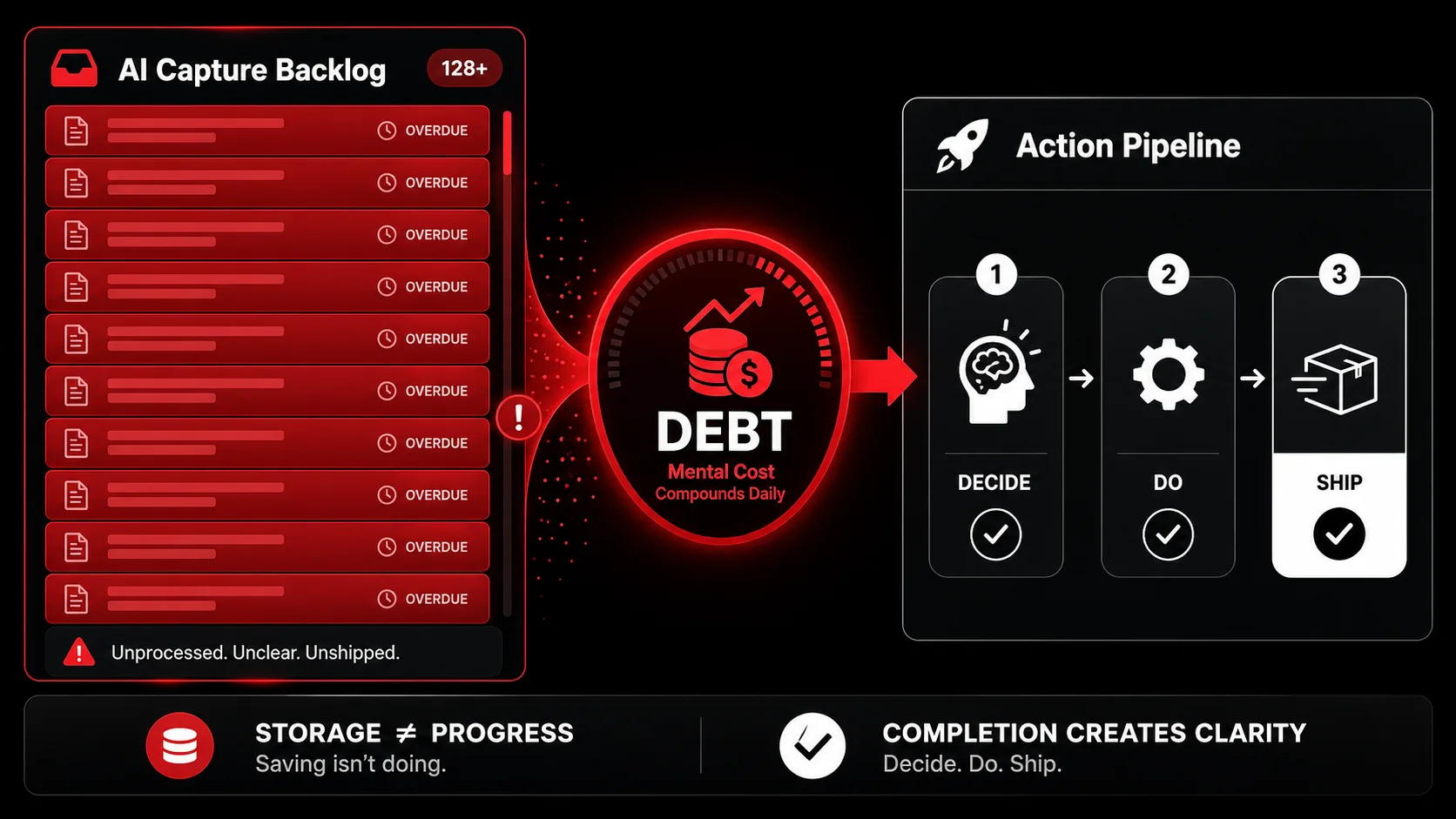
Productivity debt is the future cost of deferred decisions, paid in guilt and re-work. An organized backlog is still a backlog.
Problem 1: A second brain that only stores
A second brain only pays rent when it drives decisions and finished work. Many setups are second storage units. Capturing a debugging tip only pays off when you use it on a real bug. If capture never hands off into your real task list, you search two places: memory and a silo that behaves like more bookmarks.
Problem 2: Context dies after capture
You capture in a hot moment. Days later the note is cold. Without a next action written at capture time, most items never restart. That is why pure "hub productivity" systems stall: they centralize files, not activation.
Problem 3: Perfect tags, zero prioritization
Sorting by topic is not the same as deciding importance. "Is this more important than what I am doing now?" is the only ranking question that matters. Tools that default to keep-everything leave the brutal triage to you, forever.
How do you build a capture-to-completion workflow?
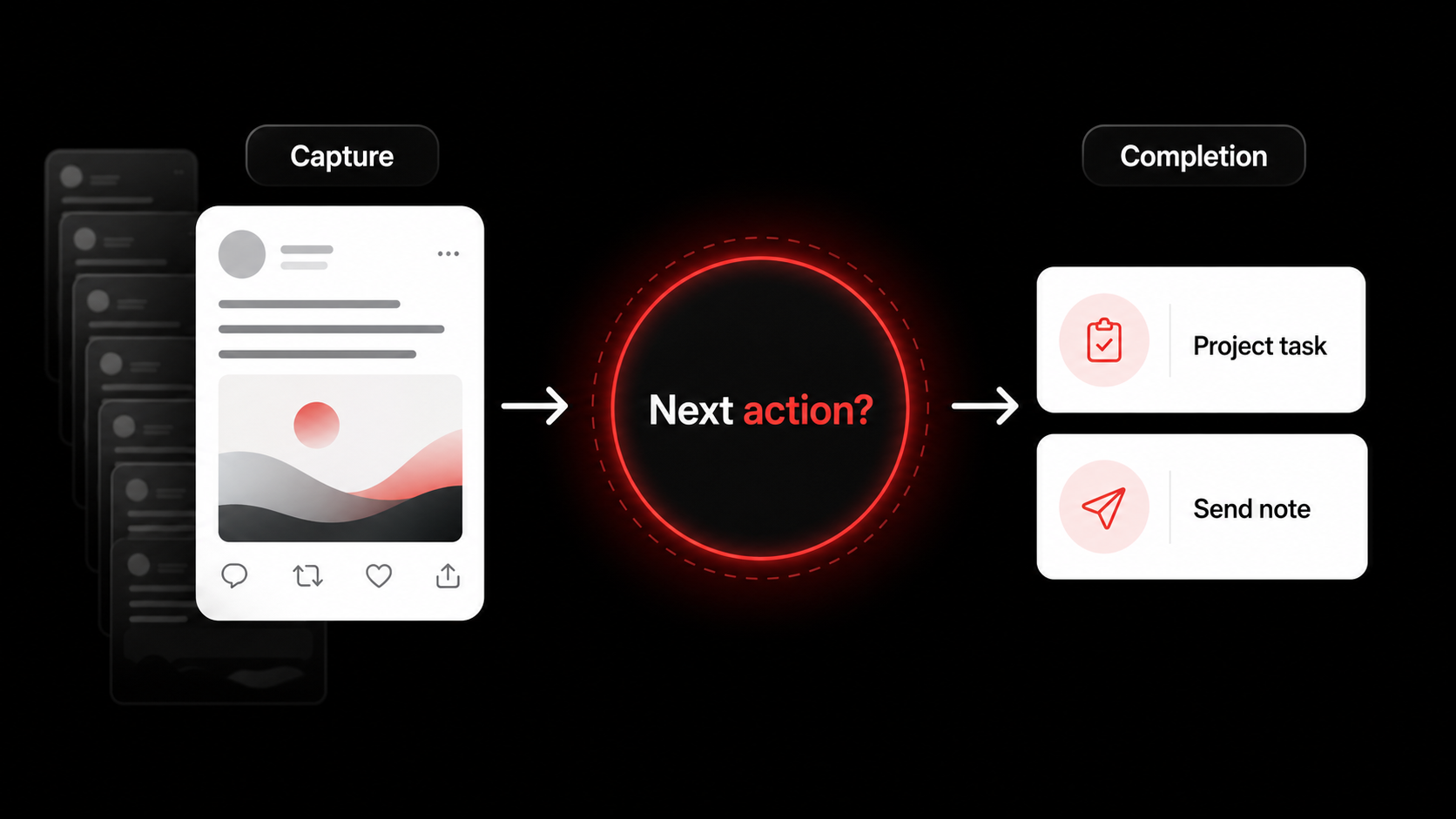
Principle: never capture without deciding the next move. The move can be delete. It cannot be "vague future self will figure it out."
Step 1: Redefine the capture trigger
Redefining the capture trigger means saving only what you can name a next step for.
- Old: "Interesting. Save."
- New: "Useful. What is the very next thing this forces me to do?"
Step 2: Enforce a 30-second process rule
The 30-second process rule gives each capture half a minute to earn a verdict.
On capture, pick one:
- Convert to a specific todo (verb + object + context).
- Schedule a block if the work is larger than a quick task.
- Delete if you cannot name either.
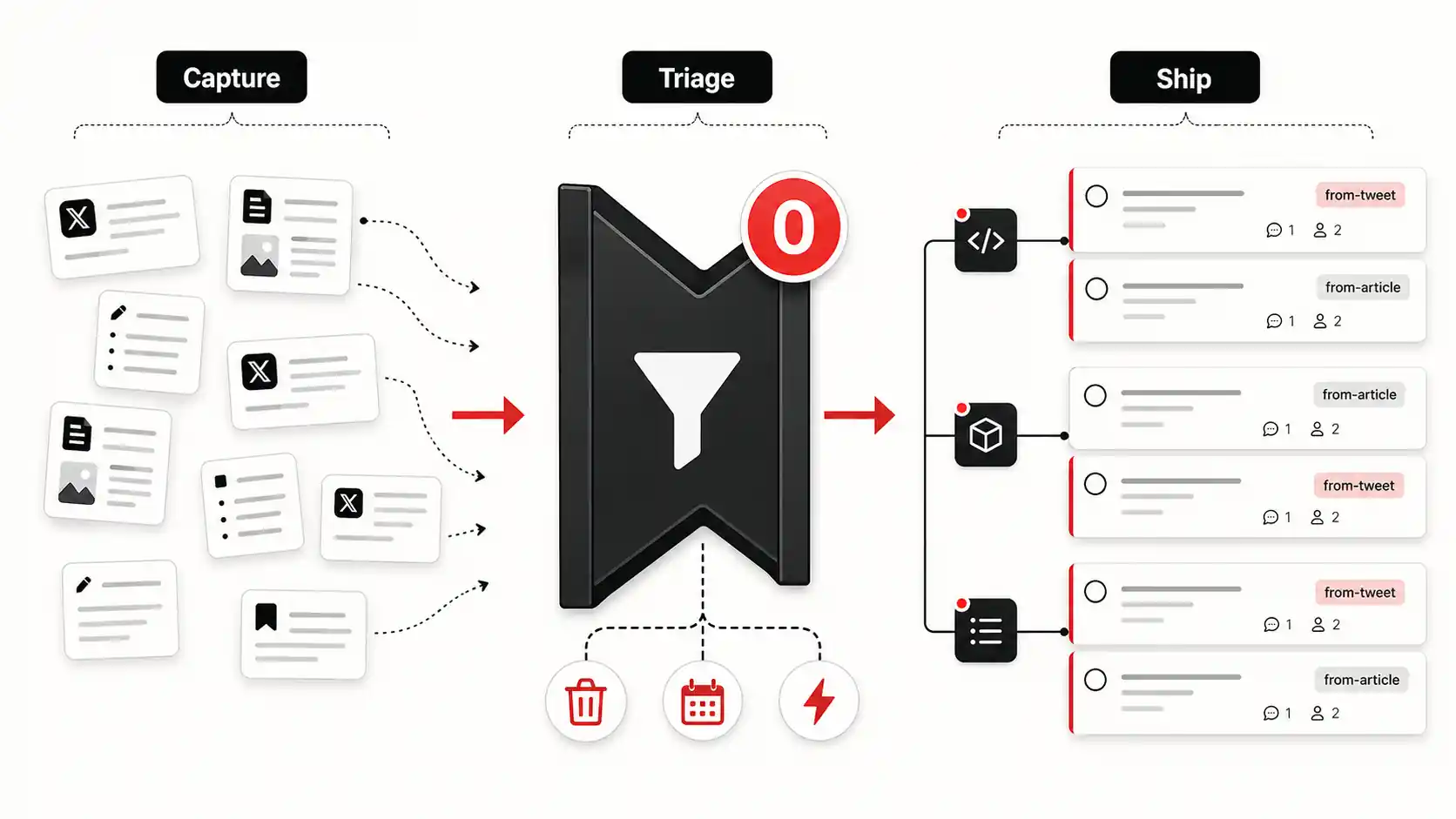
Step 3: Route actions into execution zones
Routing each action into an execution zone stops tasks floating in an inbox nobody owns.
Captured work must land where you already ship:
- Developers: issues in GitHub or Linear, with the source linked.
- General work: your primary task manager via native integration or automation tools such as Zapier or Make.
Step 4: Weekly zero-inbox triage
Weekly triage returns the inbox to zero, which is the only state that tells you the truth.
Fifteen minutes, same day each week. Every leftover item gets Action, Schedule, or Delete. No "someday" pile without an expiry. A strict thirty-day purge on "maybe later" stops silent reaccumulation.
Strategies that turn capture into shipped work
Project-based capture filter
Before saving, ask: "Which of my top three active projects does this serve?" If none, delete. If one, the next action almost writes itself.
Bias toward creation, not consumption
Bias toward creation by asking what you will make from a source before you save it.
Prefer captures that become demos, PRs, emails, or experiments the same day. "Build a tiny demo by EOD" beats "read later when I have time."
Design for frictionless disposal
Frictionless disposal matters more than frictionless saving, and almost no tool optimises for it.
Celebrate deletes. Count them. Ask what worry you just dropped. Keeping an item is a tax. Make it earn rent through real use.
FAQ
These questions come up whenever we tell someone their capture tool is the problem.
How often should you review captures? Process immediately with the 30-second rule. Clear stragglers in a short weekly review. Daily full reviews usually become busywork.
What if you need something months later? Schedule it: block time on a real calendar date, or put a dated task in a future project. Indefinite storage is not a plan.
Can you do this in Notion or Apple Notes? Yes, with more discipline. Use a temporary inbox and refuse to leave until the next action lives in your real todo list. General notes apps will not force the behavior for you.
What is the biggest mistake when fixing digital hoarding? Reorganizing the pile. Pretty tags on five hundred unused saves is prettier debt. Change the capture ritual, then start clean with new items.
Conclusion
The conclusion is short: a capture tool earns its place only when things leave it.
Most AI capture tools fail on objective, not intelligence. They optimize storage and labeling. Capture-to-completion optimizes the bridge into work. Stop collecting. Start completing.
---
Want capture that ends in action?
Glean accepts authenticated Twitter, YouTube, and screenshot captures. Glean processes a saved capture into a todo document. From there you edit, route, and finish the work. Try Glean
Share what you read. Get your next step.
Every save you share comes back as one task for your project, with the reason it fits you.